
Native sessions
A native session is the OpenCode session where an agent runs. Ensemble owns the team conversation and Work history; OpenCode owns the session, models, tools, providers, permissions, and skills.
What you see
- Open a session. Press
oon a work item to open its assignee's native session. In a group chat,oopens a picker of workspace members; in a direct chat,oopens that agent's session. - Leave and return.
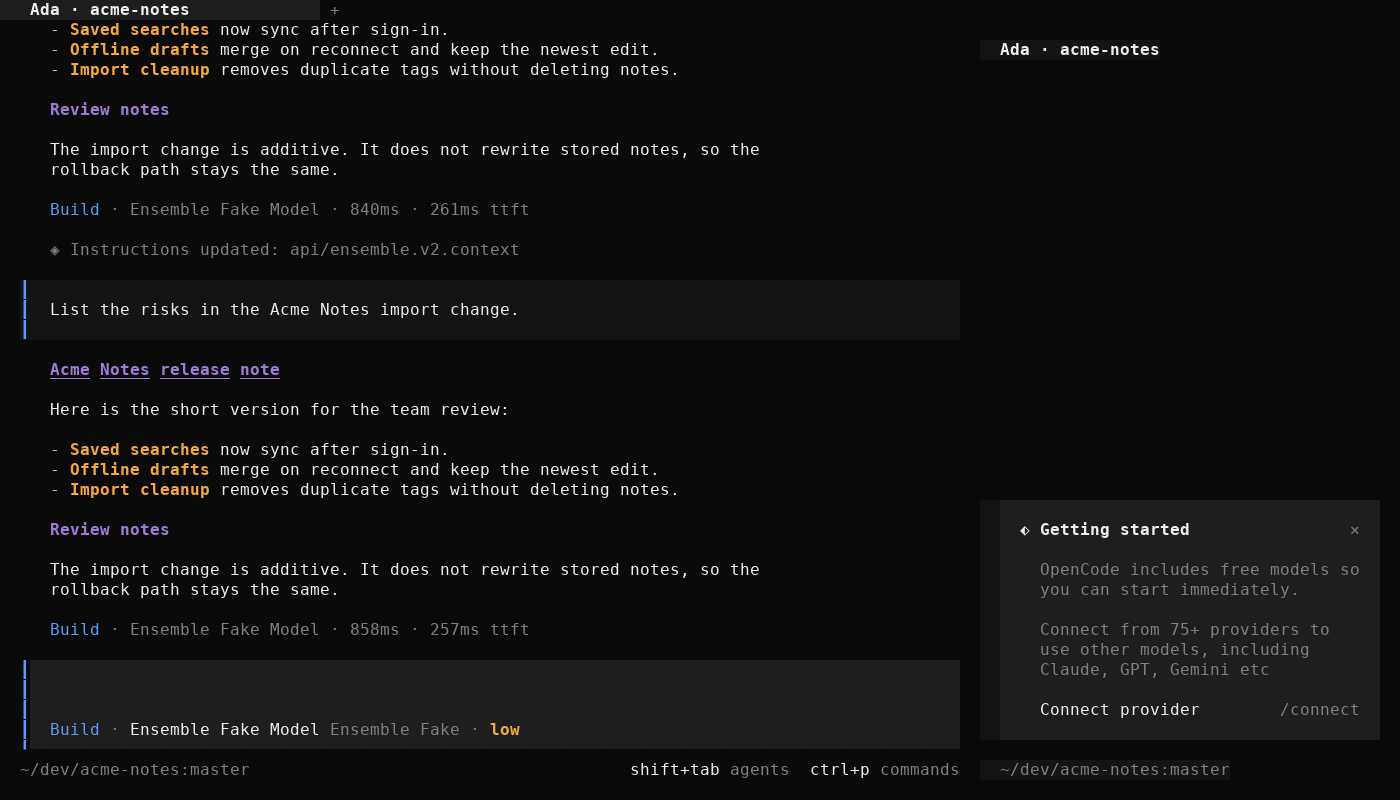
Space qor:qleaves Ensemble for the native OpenCode interface.F2returns to Ensemble. - Direct chat is a native view. A direct chat renders the native transcript and streams the reply into a live block. The direct chat and its Work history stay separate from the workspace group.
- Settings apply in place. Changing an agent's role, model, or Skillbox applies to the next message in the existing session. Ensemble does not rotate the session for a behavior change.
- Adoption. When you bind an existing OpenCode session to a conversation, Ensemble warns if the session is busy or needs a directory move. When a move is needed, the binding updates only after the host confirms it.
Mental model
Each agent has exactly one current native session per conversation:
| Conversation | Conversation channel | Session directory | File access |
|---|---|---|---|
| Workspace group | Workspace | Workspace directory | Workspace files and tools |
| Workspace direct | Agent and workspace | Workspace directory | Workspace files and tools; separate transcript |
| Home direct | Agent | Agent home | Agent home only; no workspace files |
A workspace group therefore has one group session for each member agent. Those sessions share a conversation channel but not native context. The workspace group and workspace direct sessions can read the same project files because sharing a directory is a file-access decision. They do not share a transcript, queue, context, or Work history.
"Underneath" means the execution surface. The group chat is the durable team record and the router. A direct chat is a view of that agent's native conversation. Work is the visible execution layer. The native session is where the agent reads, calls tools, and produces the final text that becomes the conversation's visible reply. Looking underneath shows the raw execution that the team view summarizes.
Isolation is deliberate. A user-typed prompt in a native session carries no Ensemble conversation tag; the host identifies the session and its messages. Binding one session to two conversations would make that prompt impossible to attribute, so each conversation gets its own session. Direct context does not leak into the group, and a direct message cannot create group work.
Adoption is explicit. Adoption binds an existing session to an agent's conversation. A session cannot serve two conversations at once. Ensemble checks that the target exists, is a root session, is not archived, and is not busy for a required move. A session already bound elsewhere is reassigned only with confirmation; the previous conversation keeps the id in its binding history and creates a fresh session on next use. The binding updates only after the host confirms the move, and a history entry can be rebound later.
Membership changes do not retarget a session. When an agent joins a workspace, its next direct message uses the workspace direct session; the home session stays in history. When it leaves, the direct chat resolves back to the home binding. The group binding remains for former-member history.
Example
Grace worked alone before joining Acme Notes, so she has a home direct session under her agent home. After she joins the workspace, her next direct message opens a workspace direct session, while the group chat uses her group session. The home session remains in binding history.
You open Grace's work item and press o; you land in her group session. You return with F2, select Grace in the rail, and press o again; you land in her direct session. The two sessions share the workspace directory when relevant, but they do not share context or transcript. If you want the old home context in the workspace direct chat, adopt the home session explicitly; the old conversation gets a fresh session on its next use.
Next
- Skills: how an agent loads reusable guidance.
- Guides: open a native session and inspect a run.
- Reference: native-session commands and bindings.